
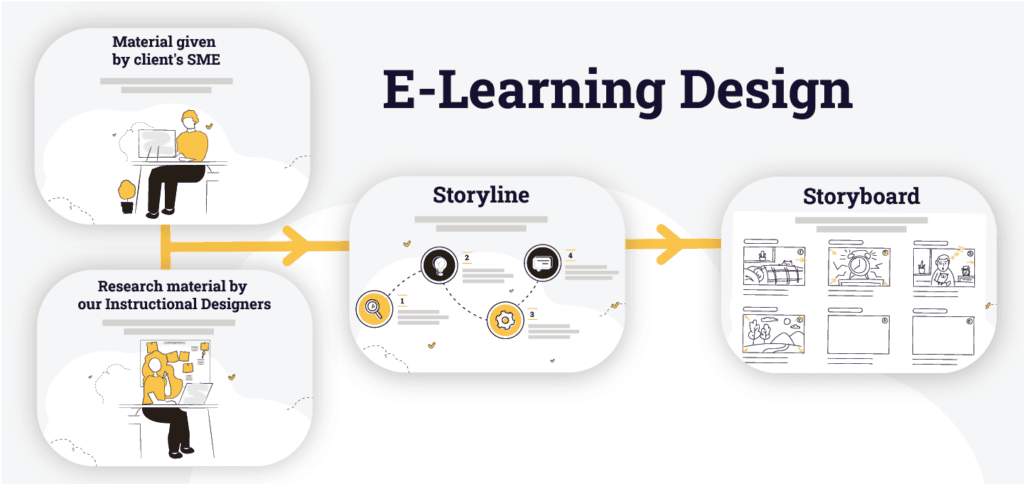
Storyline vs Storyboard in E-learning Development
In e-learning development, content does not magically organise itself into a meaningful learning experience. Behind every effective digital course is a structured design process. Two key elements in that process are the storyline and the storyboard.
They are often confused, misused, or skipped entirely. This usually ends badly. Understanding the difference between them helps instructional designers, SMEs, and stakeholders align expectations before development begins.
What is a Storyline in E-Learning?
A storyline is the narrative and instructional framework of an e-learning module. It is not an authoring tool and it is not a visual design document. Instead, it translates raw content into a structured learning flow.
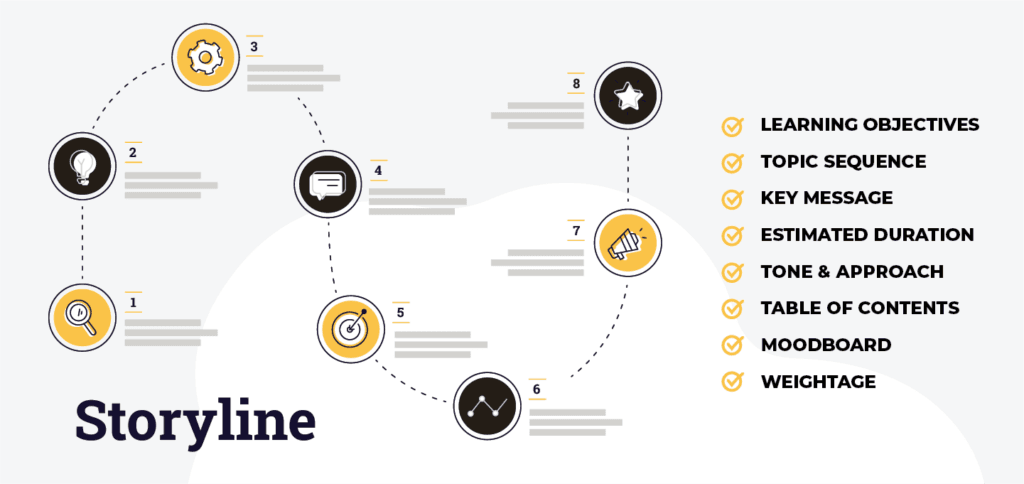
The storyline defines:
- What the learner needs to know
- The sequence of topics
- Key messages per section
- Estimated learning duration
- Instructional tone and approach
In practice, a storyline bridges the gap between subject matter expertise and instructional design. It allows instructional designers to reshape complex information into learner-centric content before visuals or interactions are considered.
Why the Storyline Matters?
A well-developed storyline:
- Aligns content with learning objectives
- Prevents content overload
- Helps estimate module length accurately
- Provides clear direction for visual and interaction design
Without a storyline, courses tend to become content-heavy, visually polished, and instructionally weak.
What is a Storyboard?
A storyboard is the visual and functional blueprint of the e-learning course. It shows how the storyline will appear on screen and how learners will interact with the content.
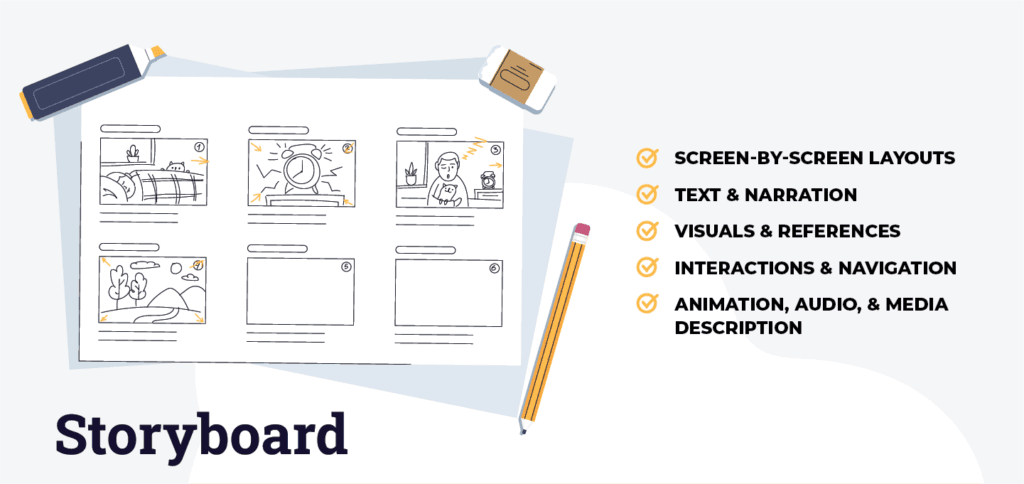
Storyboards typically include:
- Screen-by-screen layouts
- On-screen text and narration
- Visual descriptions or references
- Interactions and navigation behaviour
- Notes for animation, audio, or media
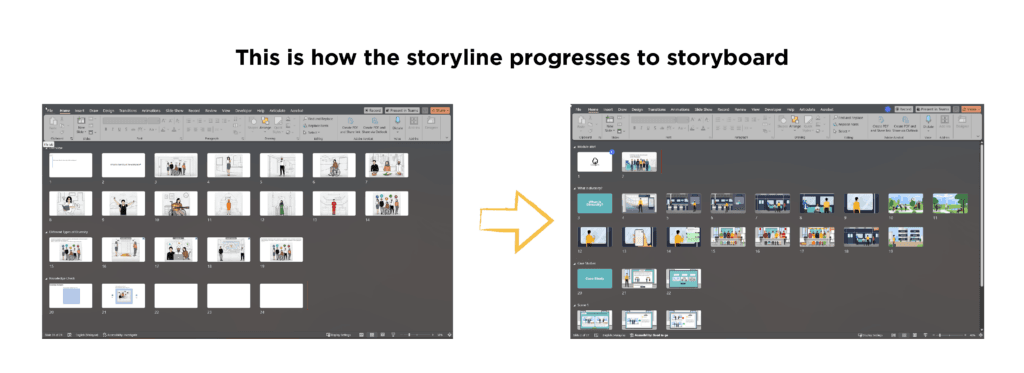
Storyboards are often created in presentation tools or templates and are used as the primary reference during development.
Role of the Storyboard in Development
The storyboard allows stakeholders to:
- Visualise the learner experience
- Review content placement and pacing
- Approve design direction before production
- Reduce rework during development
Once approved, the storyboard becomes the production guide for developers and multimedia designers.
Storyline and storyboard are not administrative steps or optional documents. They are the foundation of professional e-learning design.
When used correctly, they ensure clarity, consistency, and instructional effectiveness across the entire course development process. In a growing digital learning landscape, structure is not a luxury. It is the difference between content that exists and learning that delivers results.
FAQs
What is the difference between a storyline and a storyboard in e-learning?
Firstly, a storyline defines flow, while a storyboard shows visual and interactive screen design.
Do I need both a storyline and a storyboard?
Yes, indeed, the storyline ensures clarity, while the storyboard ensures effective visuals and interactions.
Who creates the storyline and storyboard?
Typically, the instructional designer creates both, collaborating with SMEs and designers.
When should the storyline and storyboard be approved?
Ideally, they are approved before development to avoid rework and misalignment.
Are storylines and storyboards used in LMS-based e-learning?
Yes, commonly, they are used for LMS courses, including SCORM and xAPI content.
How do storylines and storyboards support e-learning in Indonesia?
Moreover, they standardise content, improve clarity, and support scalable learning.
Can small e-learning projects skip these steps?
No, however, even small projects benefit from simplified storyline and storyboard use.