
E-Learning Animation Levels: A Practical Guide for Corporate Training
E-learning animation levels is one of the most common questions organisations ask when planning digital training. However, not all animation is created equal, and more animation does not automatically mean better learning. The right animation level depends on learning objectives, content complexity, and how learners are expected to interact with the material.
At Content Tree, animation is never decorative, rather, it is instructional. Therefore, this guide explains the different animation levels used in e-learning and how organisations typically apply them in real-world training projects.
What Are Animation Levels in E-Learning?
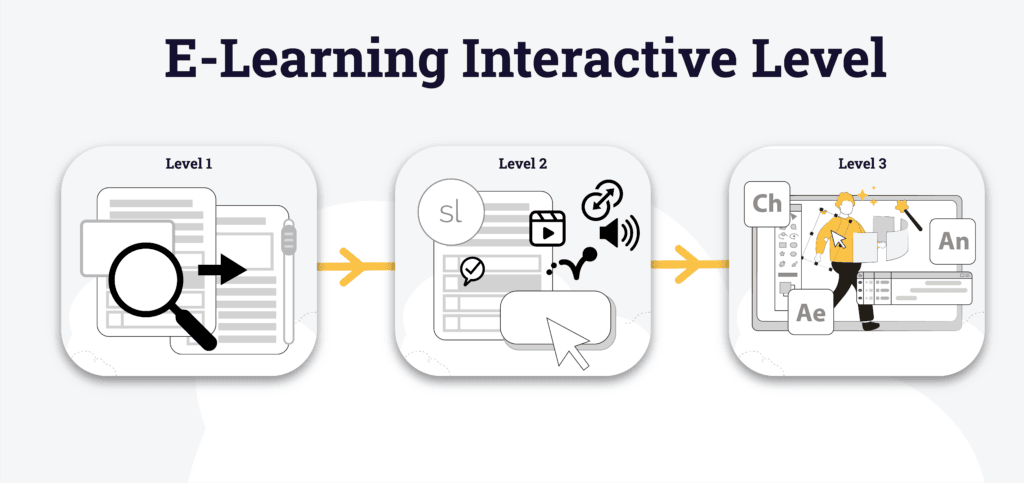
Animation levels refer to the range of sophistication and interactivity within a module. Consequently, these levels help instructional designers decide which approach best supports learning goals. To assist this process, we categorise animations into three distinct tiers.
Level 1 — Basic Animation
Level 1 animation represents the most basic form of e-learning visual presentation. Specifically, it typically involves static screens, simple text transitions, and minimal visual movement.
As a result, this level is often used for rapid deployments, internal references, or budget-constrained materials where visual engagement is not a priority.
At Content Tree Indonesia, we consider Level 1 a foundational presentation format rather than a true e-learning solution. It is suitable for information delivery, but does not support meaningful interaction, instructional design, or effective learning outcomes.
For this reason, our professional e-learning projects generally begin at Level 2 and above, where learner engagement, structured instructional design, and purposeful visual communication are properly integrated.
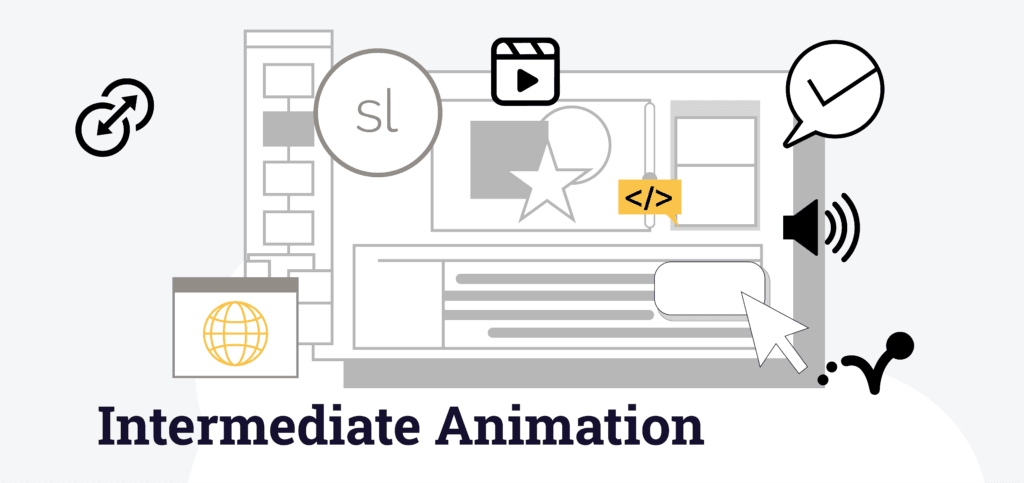
Level 2 — Intermediate Animation
Move forward, Level 2 animation introduces interactive elements such as clickable buttons, lightweight quizzes, and branching scenarios. Furthermore, these animations are usually developed using e-learning authoring tools like Articulate Storyline or similar software.
At this level, animation includes audio, video, simple transitions, and interactive features that require learner participation.
Level 3 — Advanced Animation
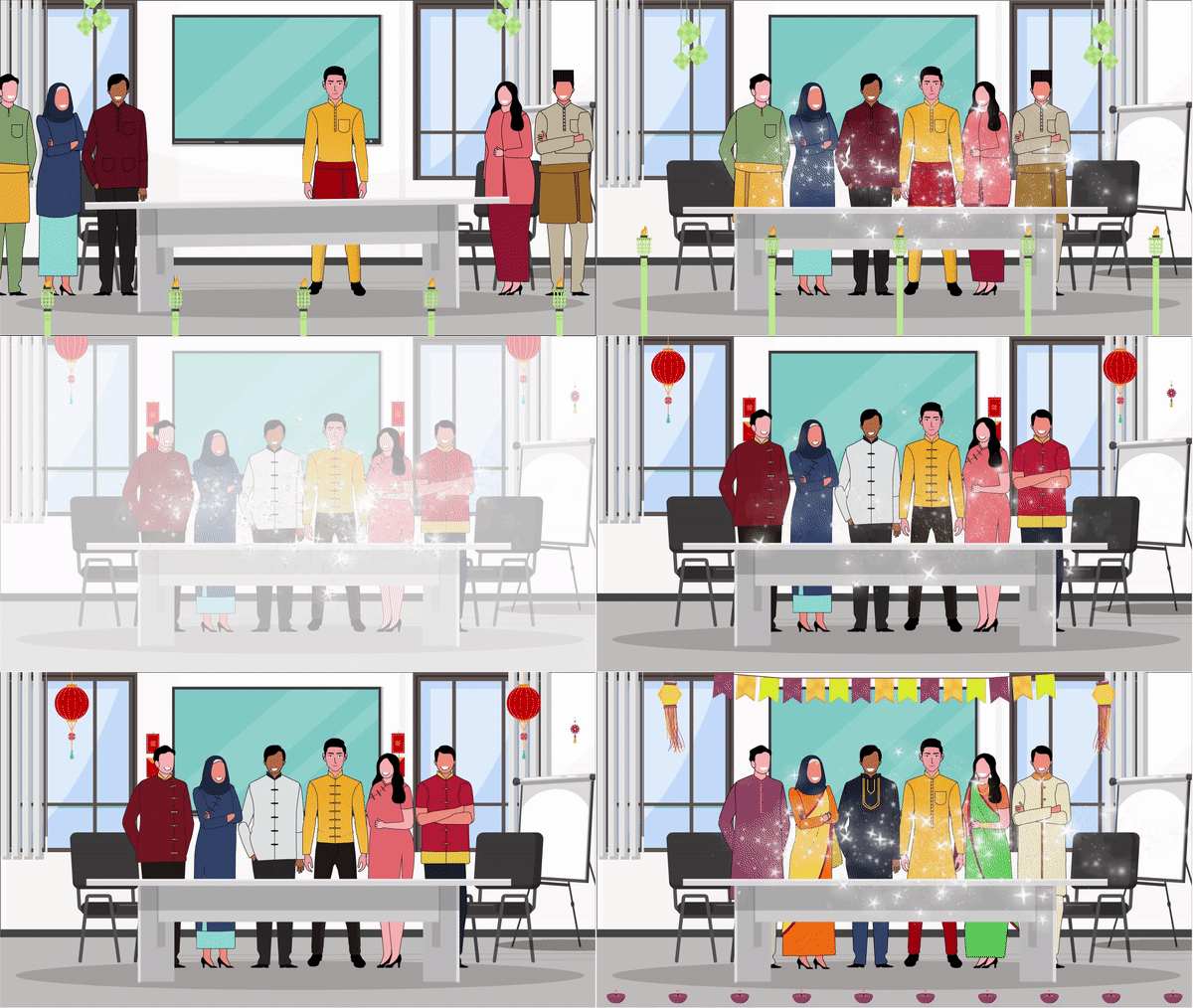
Finally, Level 3 animation features complex interactions, character animations, scenarios, visual effects, and simulations. These are typically crafted with professional multimedia tools such as AI Trainer, AI Character, Adobe Animate, Adobe After Effects, or Adobe Character Animator, enabling rich learner immersion.
Moreover, this animation level not only enhances engagement but also supports complex learning behaviours, such as problem solving and scenario-based exploration.
Level 3 Animation created with Adobe Animate
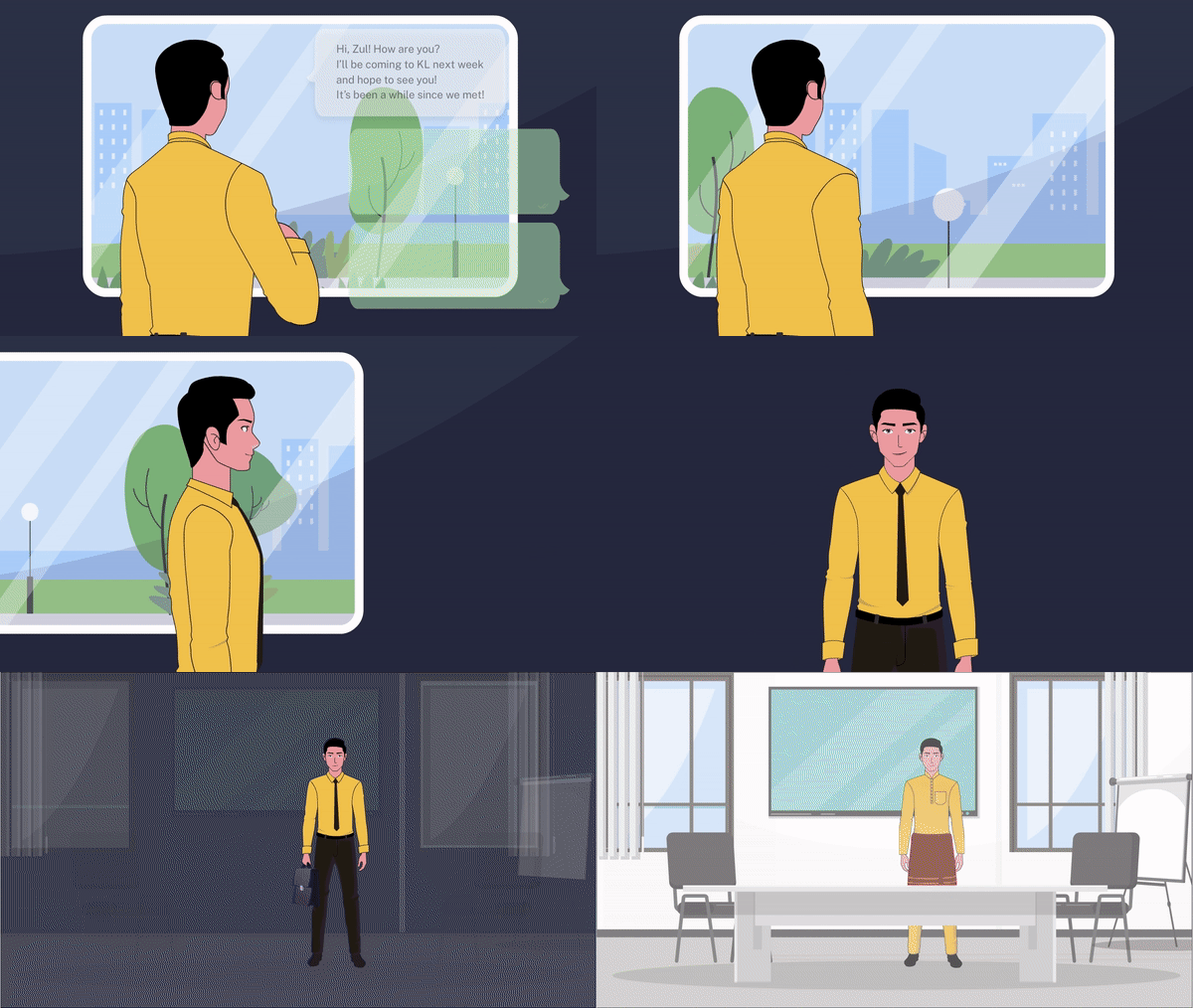
Advanced characters are also developed using Adobe Character Animator.
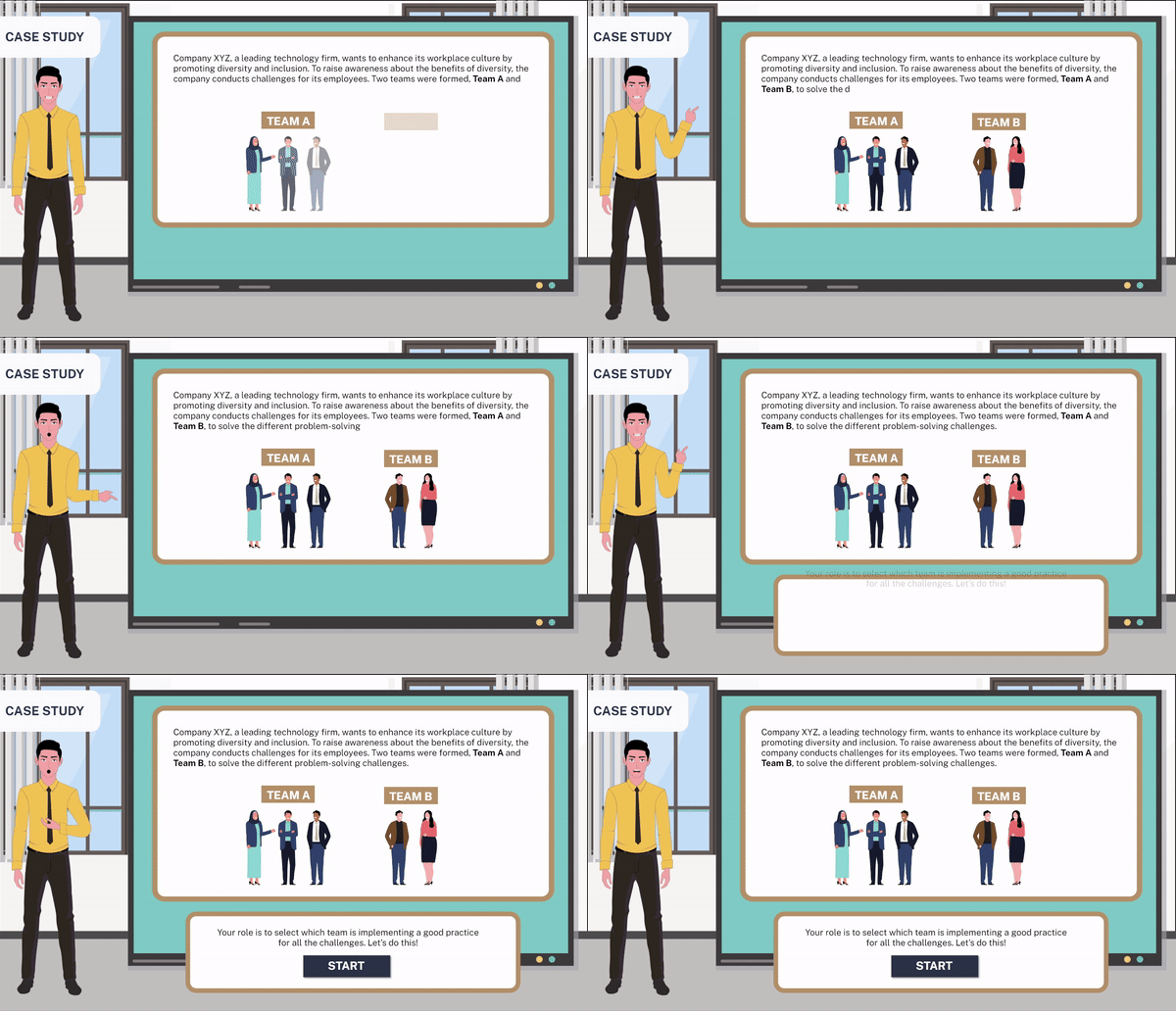
Visual effects, such as sparkles, are added via Adobe After Effects.
How Animation Levels Impact the Learning Experience?
Different animation levels affect learner engagement in distinct ways:
- Level 1 provides basic visual clarity for straightforward informational content.
- In contrast, Level 2 encourages interaction and active learning, making content more memorable and engaging.
- Finally, Level 3 delivers immersive experiences that mimic real-world scenarios, supporting learning transfer and deeper understanding.
In conclusion, choosing the right animation level ensures your learners stay engaged and your training resources achieve measurable results.
How We Deliver Bespoke Animation in Your E-Learning?
At PT Content Tree Indonesia, Animation is not an afterthought — it’s part of strategic instructional design. Before any animation production begins, we:
- Collaborate with client’s subject matter experts to define learning objectives and audience needs.
- Create detailed storyboards to visualise the flow and interaction of animations.
- Apply the appropriate tools — Articulate Storyline for Level 2 or AI Trainer, AI Character and Adobe suite tools for Level 3 — to bring animations to life.
- Conduct rigorous testing to ensure compatibility, accessibility, and performance across devices.
Our structured approach ensures seamless animation integration within your LMS-ready training modules.
FAQs
Is Level 1 suitable for e-learning?
Firstly, Level 1 is a basic content format, not a full interactive e-learning solution.
What are animation levels in e-learning?
Generally, animation levels define interactivity, from basic transitions to advanced simulations.
Which animation level is best for my training?
Ideally, choose based on goals; Level 2 suits most, while Level 3 fits immersive training.
Can you mix animation levels in one e-learning course?
Yes, indeed, combining levels improves engagement and learning effectiveness.
What tools are used for animation?
Typically, Level 2 uses Storyline, while Level 3 uses Adobe Animate, After Effects, and AI tools.
How does animation improve learning?
Ultimately, animation boosts attention, interaction, and retention through engaging content.